IPTV on LG Smart TV (2026 Setup Guide)
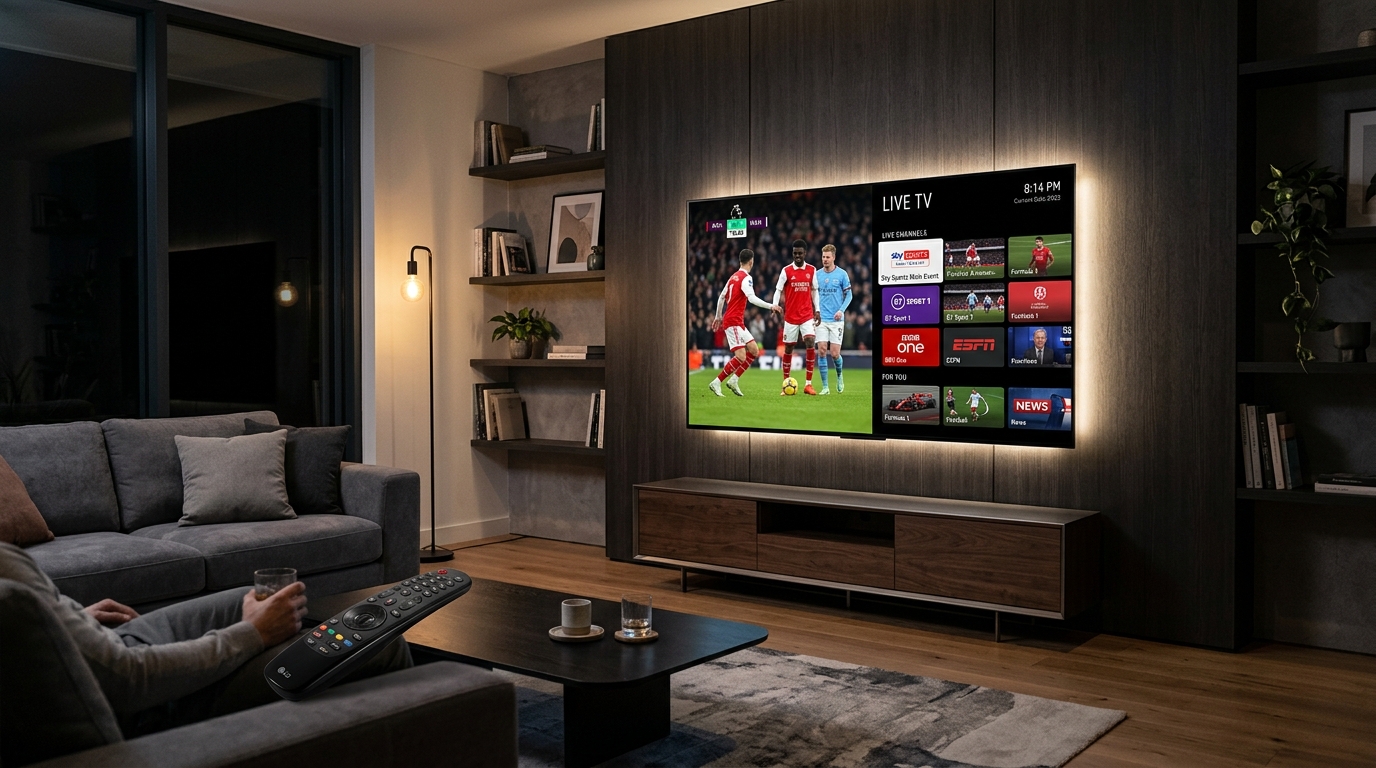
LG OLED and NanoCell Smart TVs are revered across the UK for their cinema-grade contrast, vibrant colours, and ultra-smooth motion processing. Driven by LG’s intuitive webOS and controlled by the Magic Remote, an LG television is one of the premier screens for streaming 4K Premier League football, international sports, and blockbuster films.
Like Samsung, LG TVs run a proprietary operating system (webOS), which means you cannot sideload standard Android APKs. Fortunately, the official LG Content Store features excellent native IPTV players that you can install in under 60 seconds with zero technical knowledge.
In this guide, we walk you through installing the top apps for IPTV on LG Smart TV and connecting your subscription with zero buffering.
What You Need Before You Begin
- An LG Smart TV running webOS (2018 or newer).
- LG Magic Remote or standard LG remote.
- Stable broadband connection (at least 15 Mbps for HD, 30 Mbps+ for 4K).
- Your Prime IPTV UK credentials. Request a 24-Hour Free Trial if you haven’t received your login details yet.
Method 1: IPTV Smarters Pro (Best Free App for LG webOS)
IPTV Smarters Pro (listed as Smarters Player Lite or IPTV Smarters in the LG Content Store) is the most popular, user-friendly player for LG televisions.
Step 1: Install the App from LG Content Store
- Press the Home button on your LG remote control.
- Scroll to and launch the LG Content Store (or Apps on newer webOS versions).
- Select the Search icon at the top of the screen.
- Type IPTV Smarters or Smarters Pro.
- Select the app and click Install.
- Once installed, click Launch.
Step 2: Log in with Xtream Codes API
- Accept the Terms of Use when opening the app.
- Select the option: “Login with Xtream Codes API” (Add User).
- Enter the account details provided by Prime IPTV UK:
- Any Name: Prime IPTV UK
- Username: Your account username
- Password: Your account password
- Server URL: The portal link sent to your WhatsApp or email
- Click Add User.
- Your channels, movies, and EPG guide will download and populate in under 60 seconds!
Method 2: IBO Player (Sleekest Native Performance)
If you prefer a modern, lightweight interface with fast channel zapping, IBO Player is available in the LG Content Store:
- Search for IBO Player in the LG Content Store and install it.
- Launch the app and take note of the Device ID and Device Key shown on your LG screen.
- Visit
https://iboplayer.com/device/loginon your phone or computer. - Log in with your Device ID & Key, click “Add XC Playlist”, enter your Prime IPTV UK credentials, and save.
- Click Reload on your LG TV to begin streaming.
Feature Comparison: LG Smart TV Players
| Feature | IPTV Smarters Pro | IBO Player | Flix IPTV |
|---|---|---|---|
| App Store Availability | LG Content Store (Free) | LG Content Store | LG Content Store |
| Cost | 100% Free | 7-day trial, then ~£6.50 | 7-day trial, then ~£7.00 |
| Setup Method | Direct on-screen login | Web cloud activation | Web cloud activation |
| Magic Remote Support | Excellent | Excellent | Good |
| 4K & 60fps Playback | Supported | Native hardware decode | Supported |
| Subtitles & Audio Tracks | Yes | Yes | Yes |
For a complete breakdown of features and other platform alternatives, see our guide to the Best IPTV Players for UK Viewers.
Optimizing LG webOS for Buffer-Free Sports
To ensure flawless, smooth streaming during live sports and 3pm Premier League matches:
- Use 5GHz Wi-Fi or Ethernet: If connecting via Wi-Fi, ensure your LG TV connects to the 5GHz network band. For maximum stability, connect an Ethernet cable directly from your router into the LAN port of your LG TV.
- Set LG Picture Mode to ‘Sports’ or ‘Cinema’: For live sports, enable TruMotion (or smooth motion processing) in your LG Picture Settings for silky 50fps and 60fps tracking.
- Change Router DNS: If you notice freezing during match windows, your UK ISP may be filtering streaming servers. Change your router DNS to Cloudflare (
1.1.1.1). Learn how in our guide: How to Fix IPTV Buffering in the UK.
Enjoy 50,000+ Channels on Your LG TV Today
Transform your LG OLED or Smart TV into an all-in-one entertainment powerhouse with Prime IPTV UK.
Test our buffer-free feeds with a 24-Hour Free Trial or browse our Annual Subscription Packages from just £39.99 for 12 months.